

What is included for free
Monitoring your devices has no monthly fee. You pay only for SMS, calls, extra resources above the allowances and GPS SIM data.
No cost
Section titled “No cost”- The app on the phone and in the browser.
- Live values, history and charts.
- Reports and data export to PDF and CSV.
- Push and e-mail alerts.
- Device sharing with other users.
- The API.
- SMS and phone calls from rules. See SMS and call packages.
- Rules, groups, floorplans and guests above the account allowances.
- Webhooks from rules. To turn them on, contact support.
- SIM data for GPS trackers. See Subscriptions and SIM for GPS.
The account allowances
Section titled “The account allowances”Your account has allowances for rules, groups, floorplans and guests. The rule and group allowances increase when you add devices.
| Resource | Allowance with no purchase |
|---|---|
| Rules | 1, plus 2 for each device. Some devices, for example the HAM ThermoSenseX2, give 3. |
| Groups | 1, plus half a group for each device. |
| Floorplans | 2 |
| Guests | 2 |
For example, an account with 10 devices has 21 rules.
The allowances of your account can be different. Your account always shows the correct allowances.
Where to see your allowances
Section titled “Where to see your allowances”Open the side menu and tap Account. The Allowances section shows one line for each resource: Rules, Groups, Guests, Floorplans, SMS Messages and Phonecall Alerts.
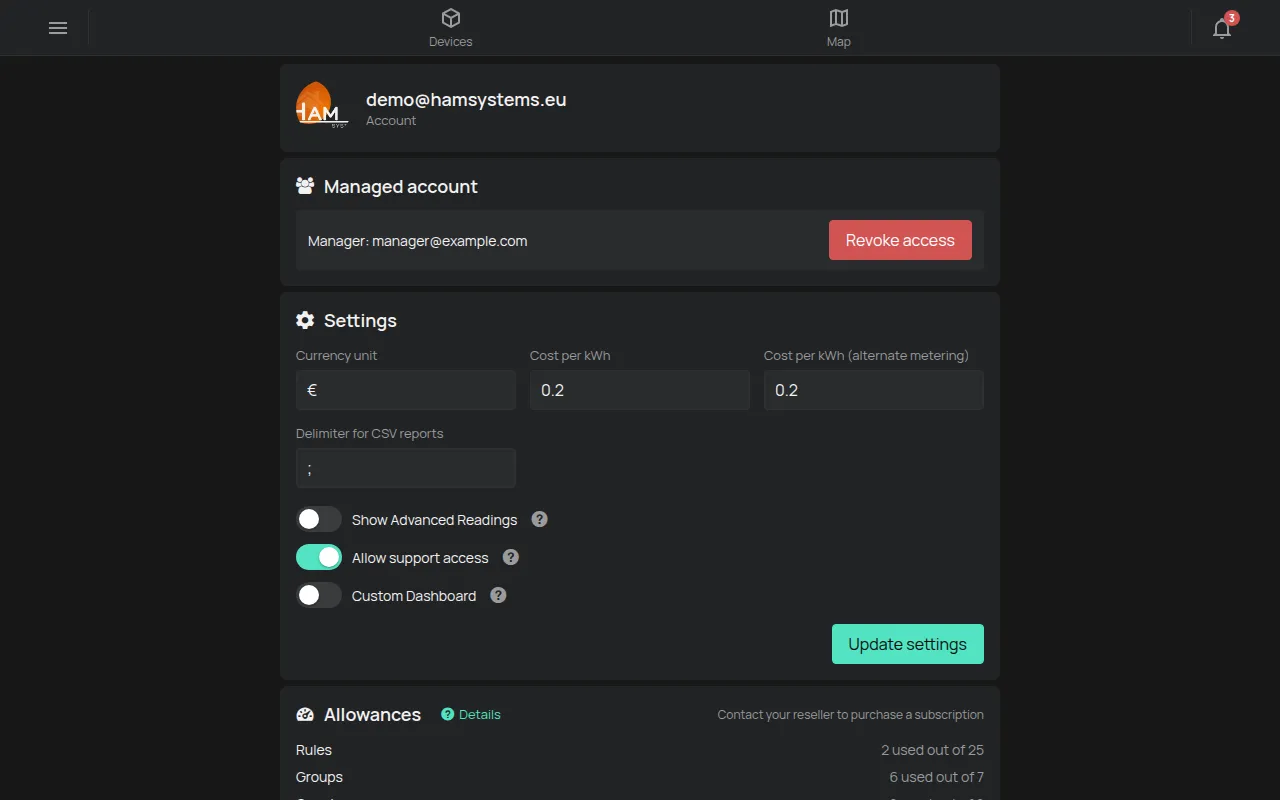
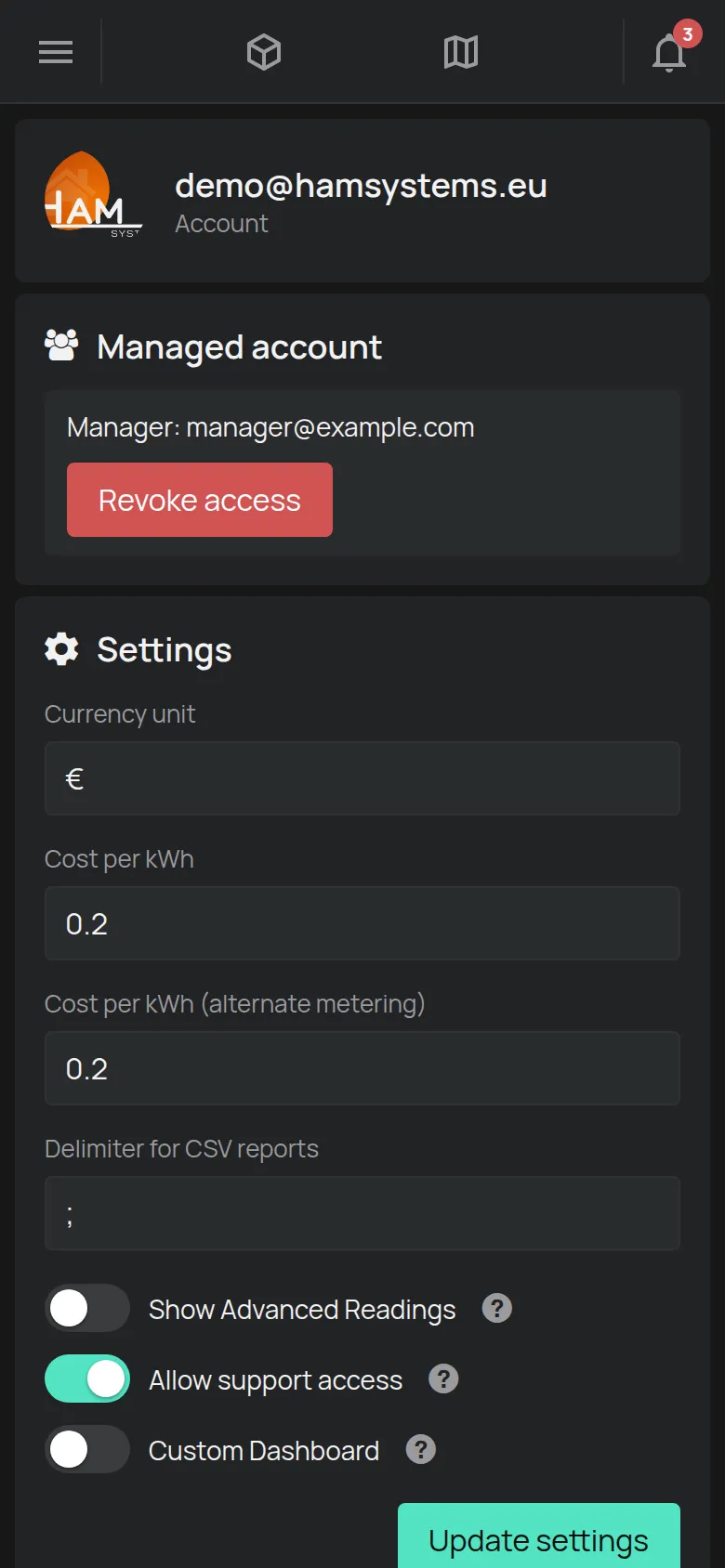
- For rules, groups, guests and floorplans, the line shows how many you use out of how many you have. For example: 2 used out of 25.
- For SMS and calls, the line shows how many are left.
- Tap Details to see the Resources table. The table shows each package, the amount, when it was added and when it expires.
When you reach an allowance
Section titled “When you reach an allowance”The app does not let you make a new rule, group, floorplan or guest. The ones that you have continue to work.
To get more:
- Add devices. Each device increases the rule and group allowance.
- Delete rules or groups that you do not use.
- Buy a package. In the Allowances section, tap Get a package. The shop opens.
If a partner manages your account, the Allowances section has no buy button. It shows a message that tells you to contact the partner. Ask your partner for the package. See Management by an installer or partner.