

The device belongs to another account
What you see
Section titled “What you see”In the Add new device window, you type the Device key and tap Add. The app shows that the device already belongs to someone else, or the message Could not add device.
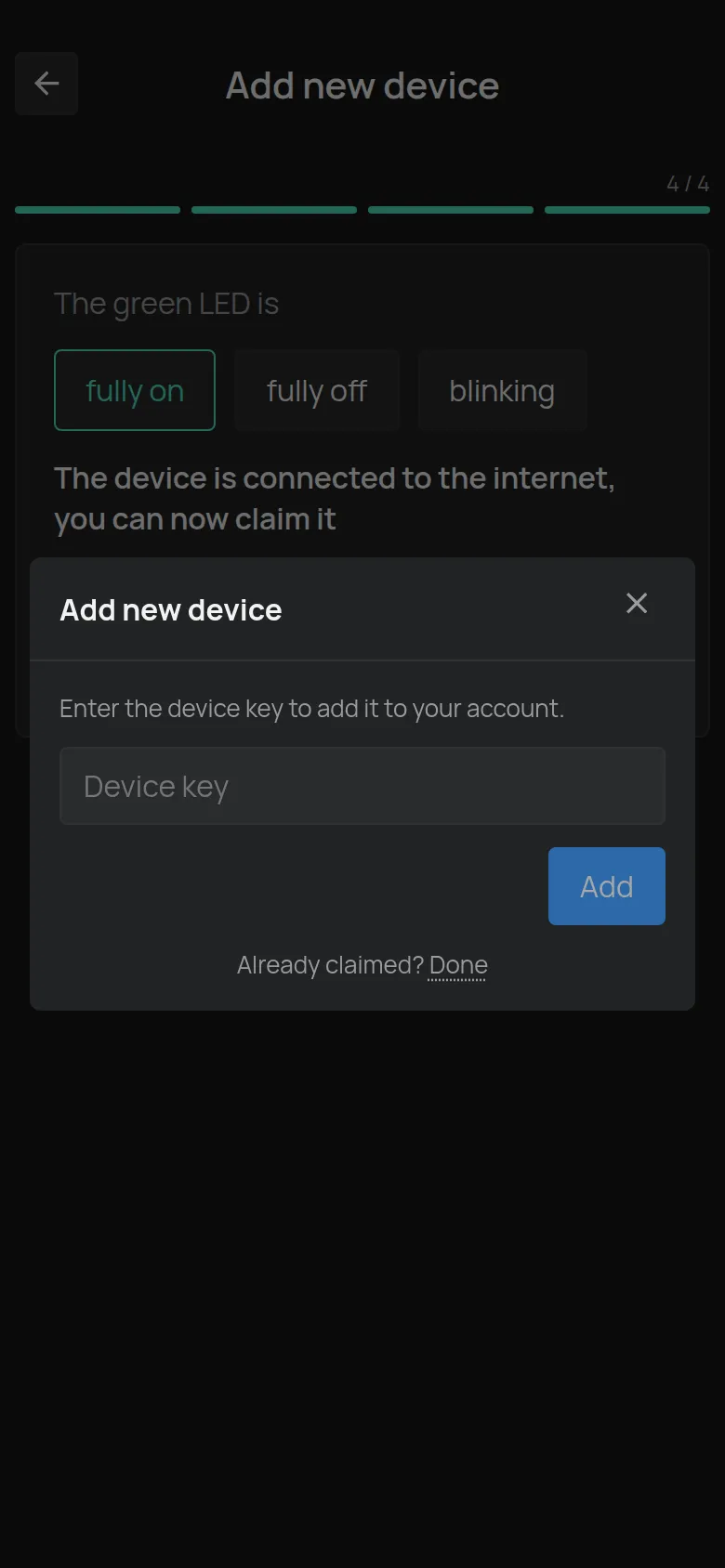
Each device belongs to one account only. Other users see the device only when the owner shares it with them.
Causes, most frequent first
Section titled “Causes, most frequent first”1. The installer added the device to his own account
Section titled “1. The installer added the device to his own account”The technician who did the installation added the device to his account, to make sure that it operates.
Fix: Ask the installer to do one of these:
- Delete the device from his account. Then add it to your account.
- Share the device with you. See Share devices.
2. You added it to a different account of yours
Section titled “2. You added it to a different account of yours”Maybe you have two accounts, for example with different e-mail addresses.
Fix:
- Log in to the other account.
- Open the device and tap Delete device.
- Log in to the correct account and add the device with the Device key.
3. The device is second-hand
Section titled “3. The device is second-hand”The previous owner did not delete it from his account.
Fix: Ask the previous owner to delete the device. If you cannot find him, contact support.
4. The device is already in your account
Section titled “4. The device is already in your account”If you see You already own this device., the device is already yours. Look in the device list.
You lost the Device key
Section titled “You lost the Device key”The Device Key (D/K) is on the label that came with the device. If you lost the label, support needs the serial number. You find it:
- On the label on the device.
- In the name of the WiFi network that the device shows in setup mode.
- In the S/N field of the Firmware section on the device page, if the device is already in an account.
The serial number has the format e12:57. See Device families (serial numbers).
Tip for installers
Section titled “Tip for installers”Add the device directly to the account of the customer. If you want to see the devices of the customer, ask him to share them with you, or use a managed account.
When to contact support
Section titled “When to contact support”- You do not know which account has the device.
- The previous owner does not answer.
- You lost the Device key.
Contact support and give the serial number and the proof of purchase, if you have it.
See also Claim a device with its Device Key.