

Language, theme, units
You change the language and the theme at the bottom of the side menu. You change the currency and the energy cost on the Account page.
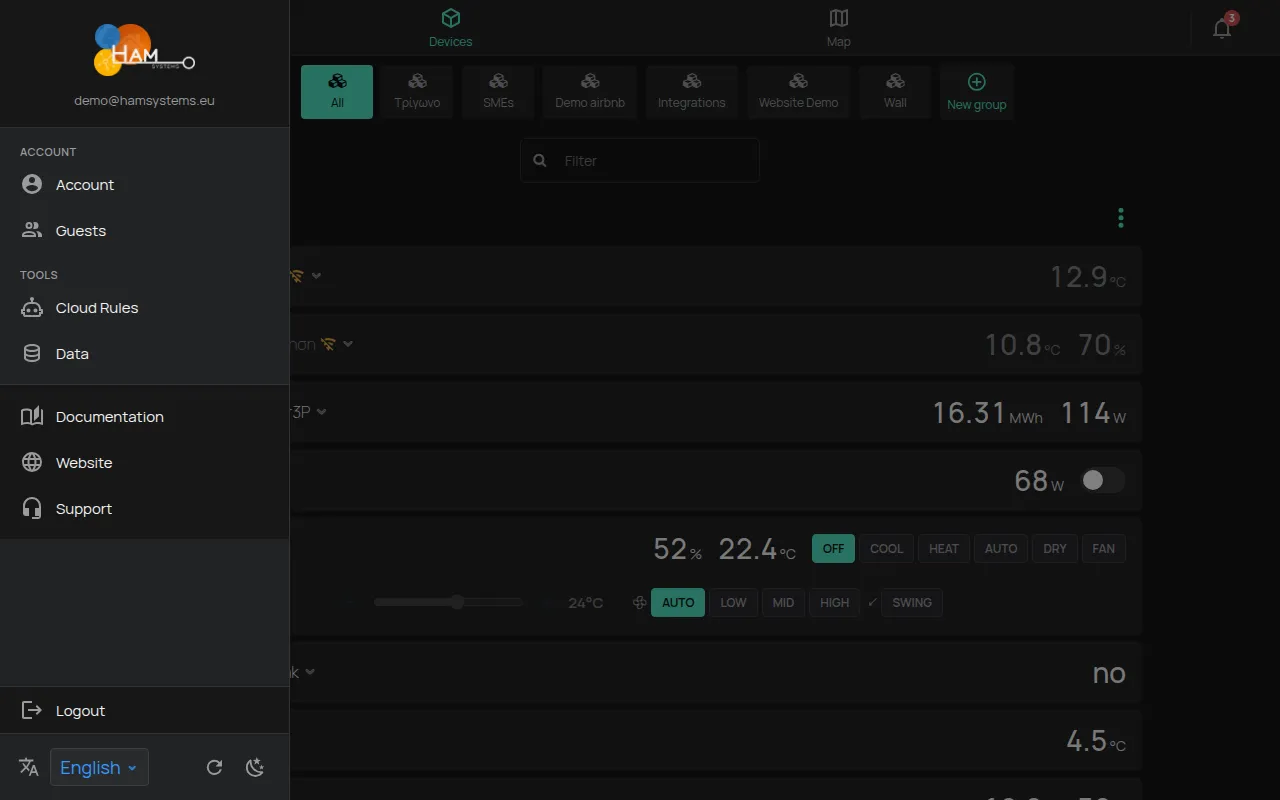
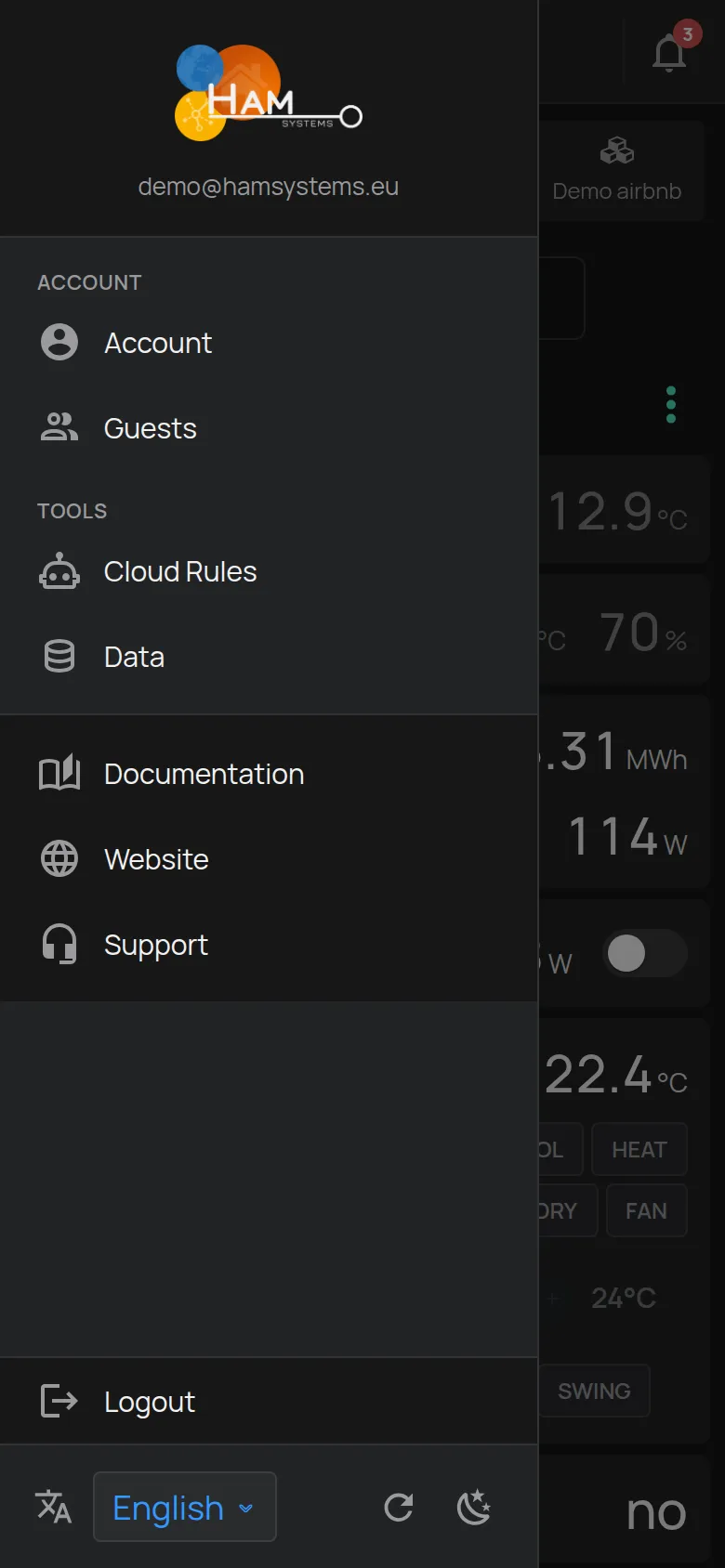
Language
Section titled “Language”- Open the side menu.
- At the bottom, open the Language list.
- Select the language.
The app has 32 languages. On the first visit, the app uses the language of the browser, if it has it. If not, it uses English.
The selection is saved in this browser or on this phone. On another device, select the language again.
At the bottom of the side menu, click the Theme button. The theme changes from dark to light or back.
The dark theme is the default. The selection is saved in this browser or on this phone.
The map style changes separately. See map.
Refresh
Section titled “Refresh”The Refresh button at the bottom of the side menu loads the data of your account again. Use it when a change, for example a new device, does not show.
Units of measurement
Section titled “Units of measurement”Each reading has the unit of the device, for example °C or kWh. The app has no setting for other units, for example °F.
Dates and times use the format of the browser. The time zone is the time zone of the device or of the browser.
Currency and energy cost
Section titled “Currency and energy cost”- Open the side menu.
- Click Account.
- In Settings, change the fields that you want.
- Click Update settings.
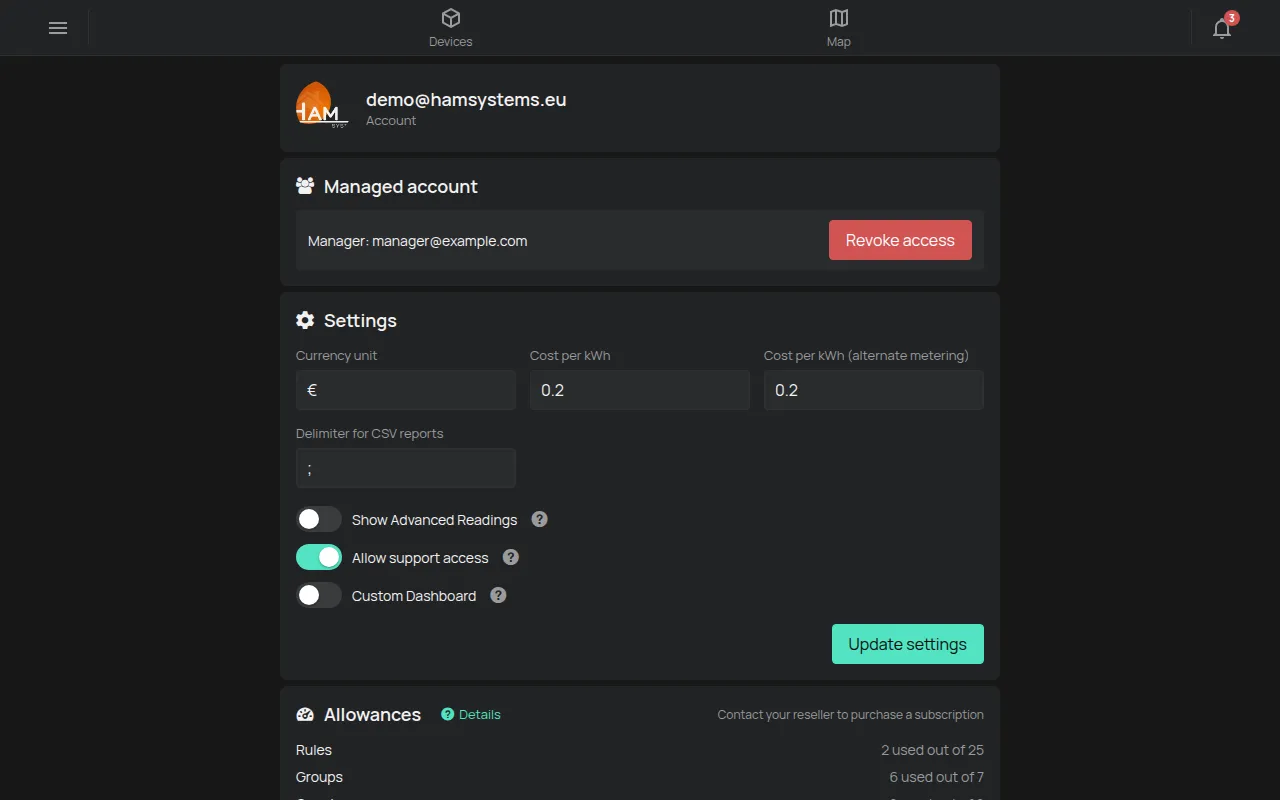
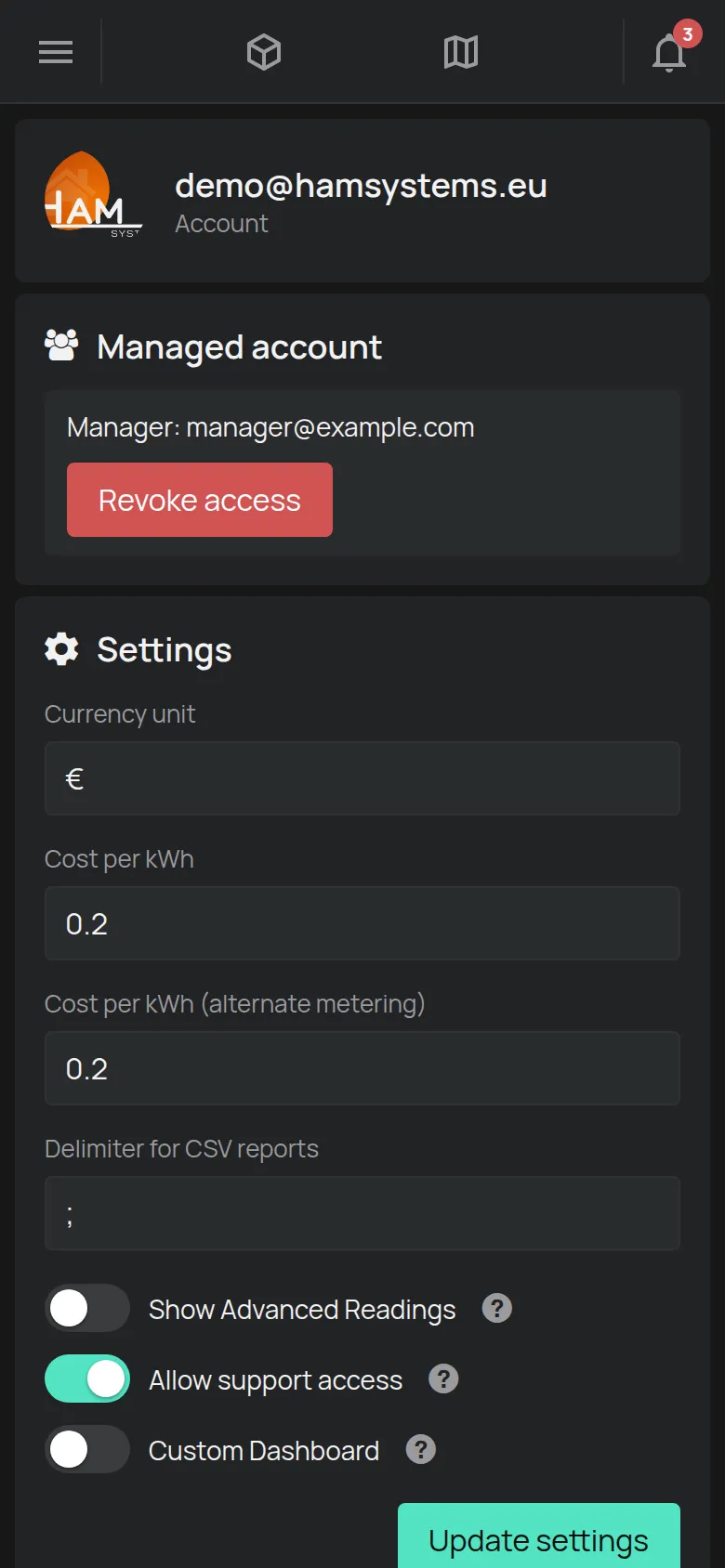
- Currency unit: the symbol of the cost, for example €.
- Cost per kWh and Cost per kWh (alternate metering): the energy price.
- Show Advanced Readings: shows more readings, for example voltage and current.
The changes are saved only when you click Update settings.
For the cost per device and how to read the cost, see Energy use and cost.
For the details of your account, see profile.