

The HAM app: the basics
The HAM app shows your devices, their readings and their outputs in real time. The same app works in a browser and on your phone.
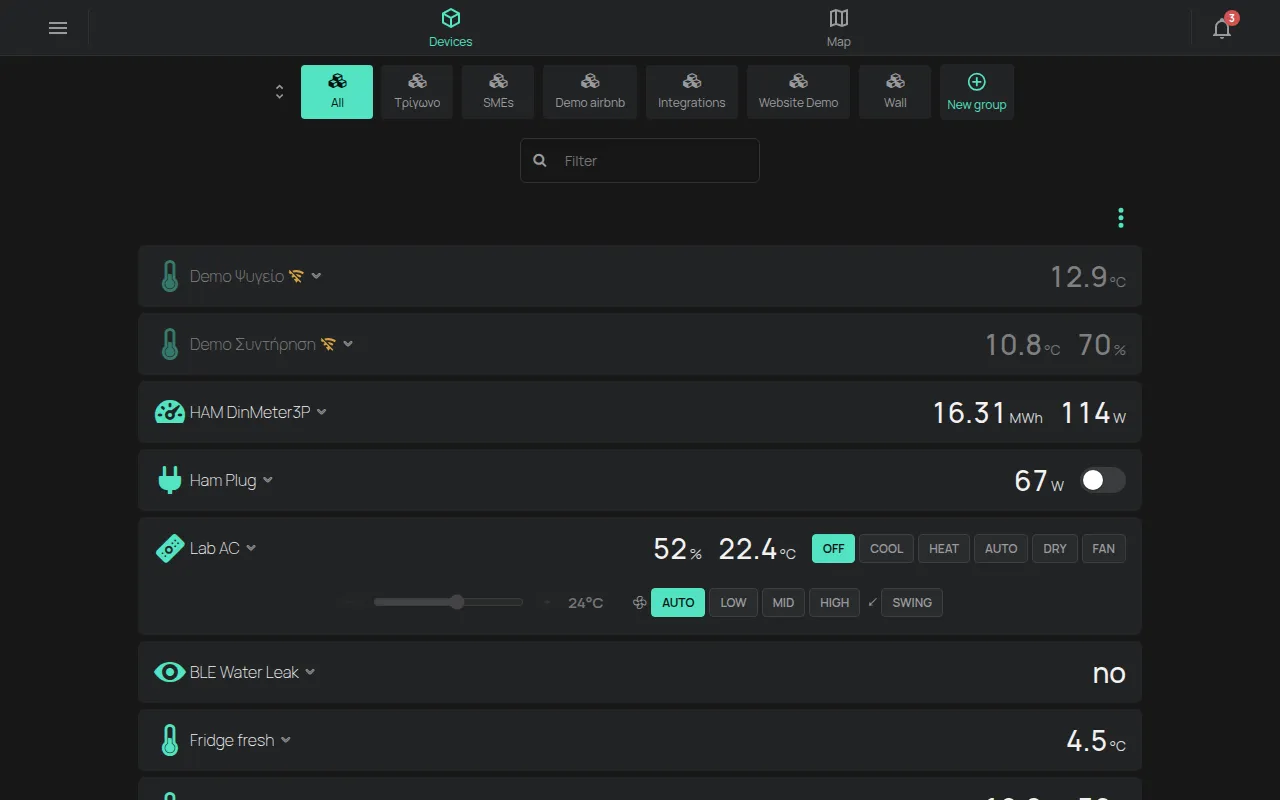
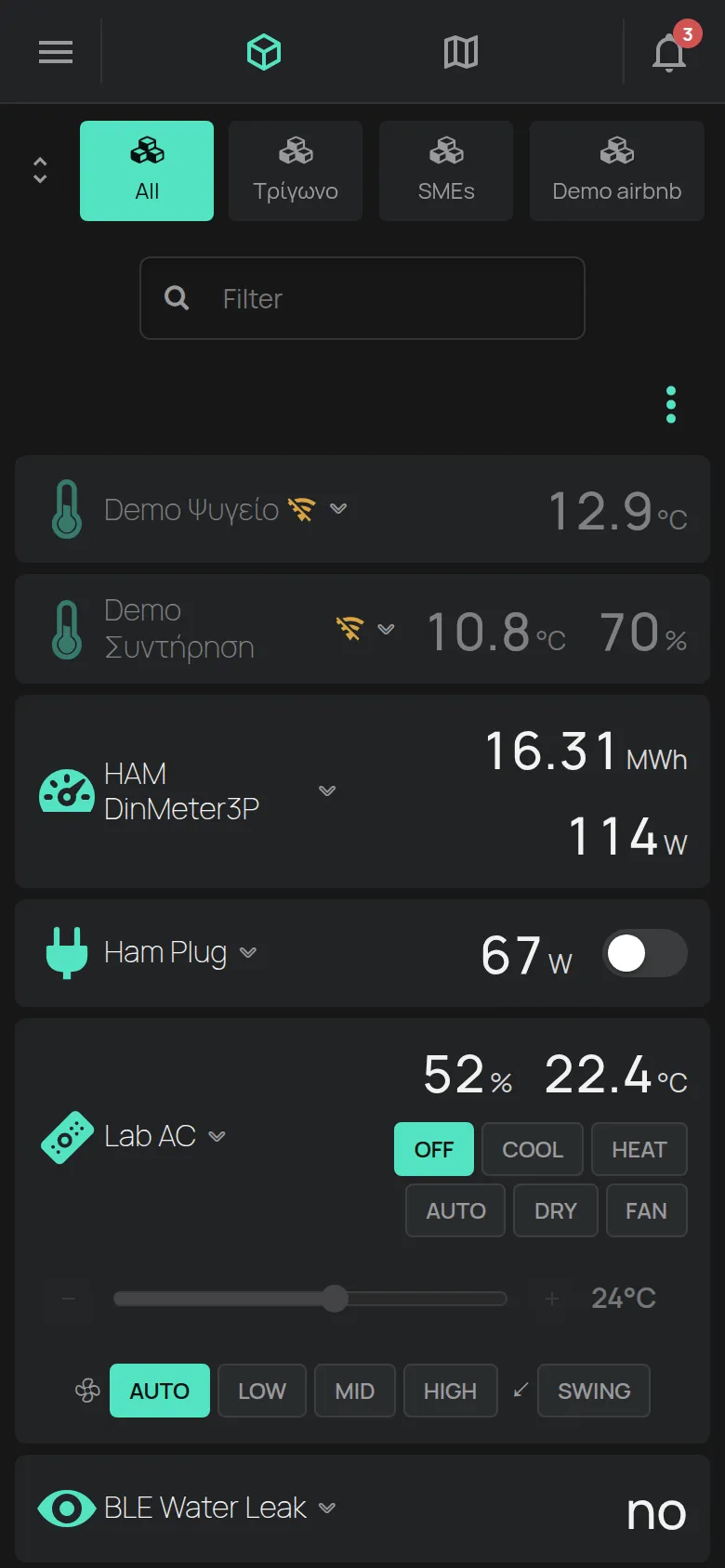
The top bar
Section titled “The top bar”- Devices: the device list. This is the home page.
- Map: the map. It shows only when the account has devices with a location.
- The custom dashboard tab. It shows only when you turn it on. See floorplans.
- The bell Notifications: your notifications and sharing invites.
- The Menu button, on the left: the side menu.
The side menu
Section titled “The side menu”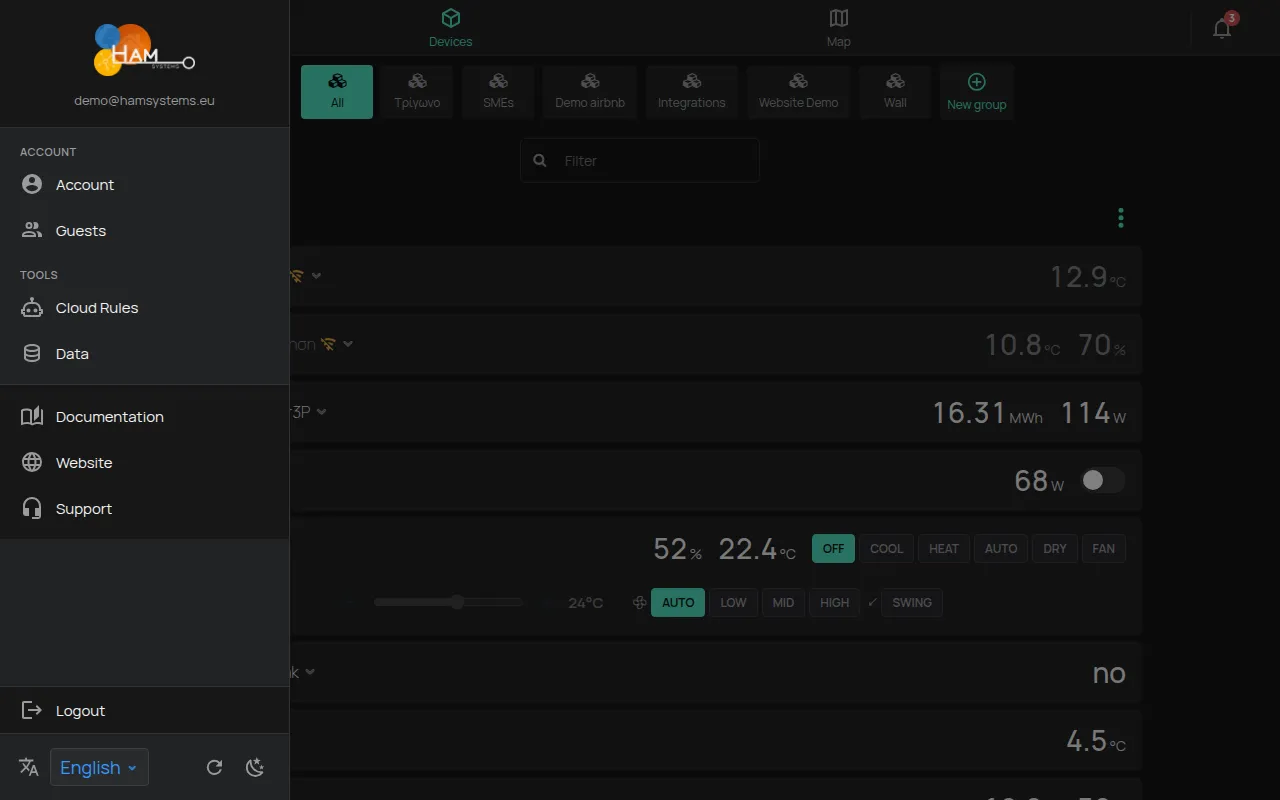
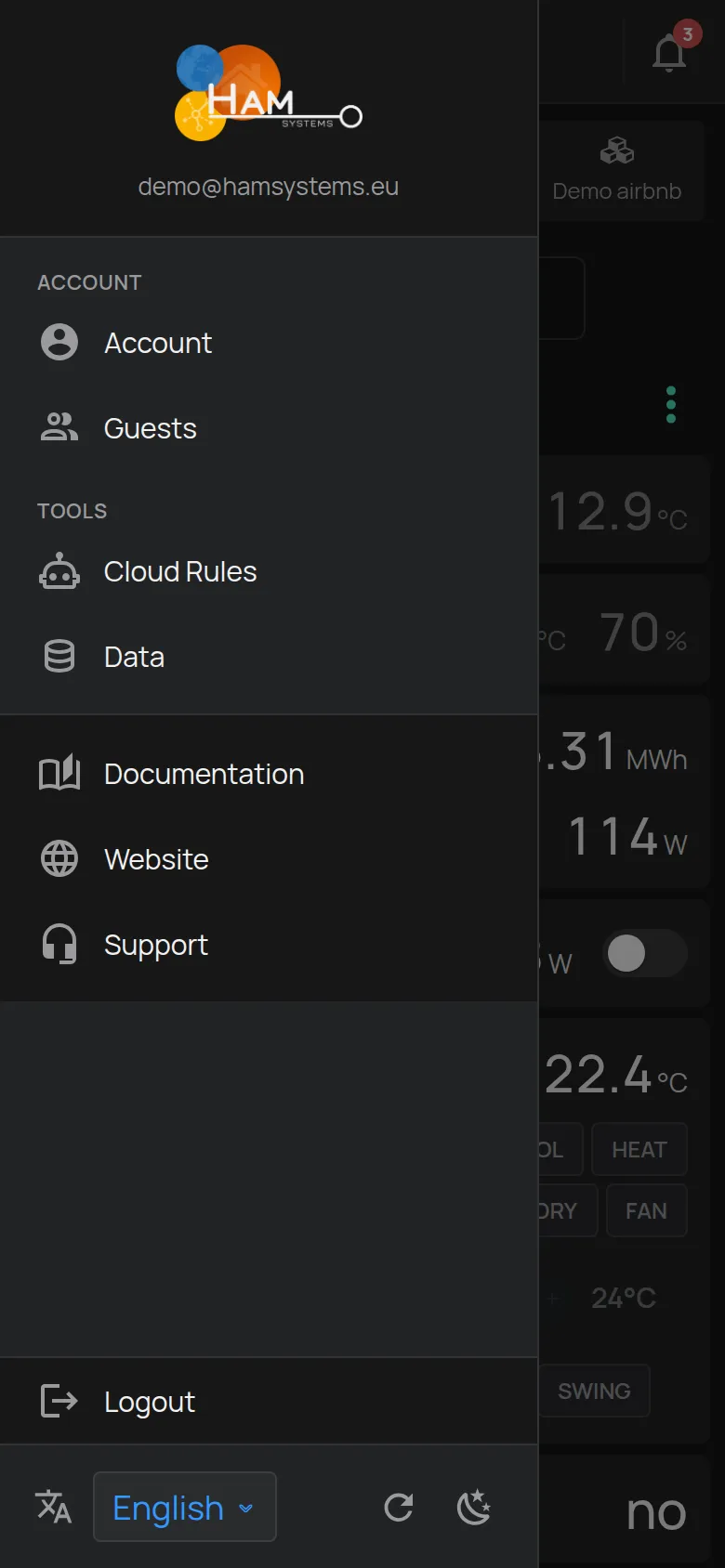
- Account: the account details and settings. See account details.
- Guests: access for other people. See guests.
- Cloud rules: rules and alerts. See how rules work.
- Data: compare readings from many devices. See charts.
- Orders and Support: these open in a new page.
- At the bottom: Language, Refresh and Theme. See preferences.
A guest does not see the account, the tools or the links.
The page of each device
Section titled “The page of each device”Click a device to open the device page. There you find:
- the readings and the charts,
- the output controls,
- the settings,
- sharing,
- reports,
- schedules and rules.
What each user sees
Section titled “What each user sees”The app shows only what the access level of the user allows. The owner sees everything. A user with View access sees the readings but cannot change the outputs. See sharing.