

Gaps in the chart
What you see
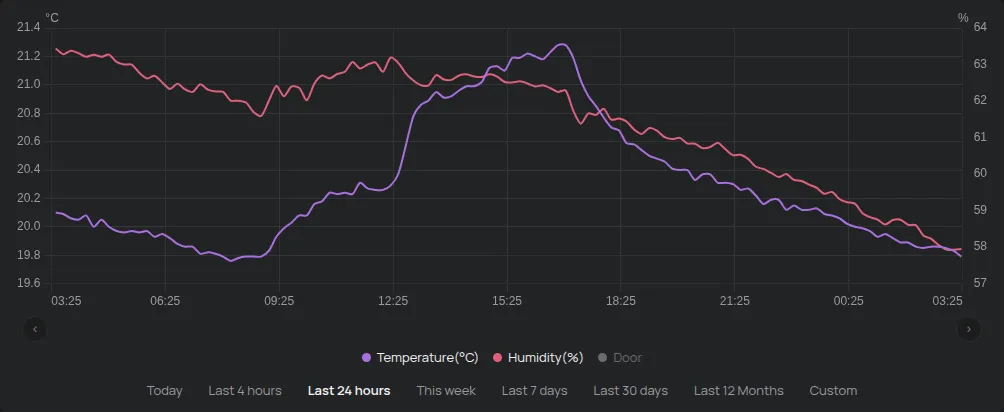
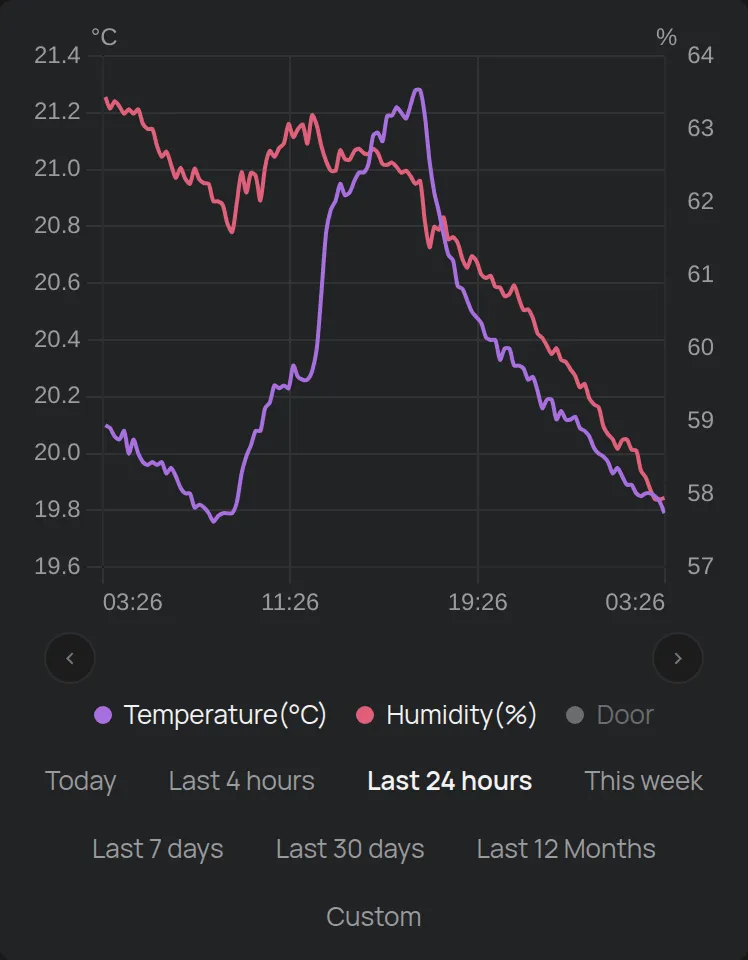
Section titled “What you see”The chart has a period without values, or a straight line between two points. Or the chart has fewer points than you expected.
Causes, most frequent first
Section titled “Causes, most frequent first”1. The device was offline, but it had the correct time
Section titled “1. The device was offline, but it had the correct time”When a device has no connection, it keeps its readings in its memory. When it connects again, it sends them.
What to do: Wait a few minutes after the device connects and open the chart again. The gap fills in.
2. The device was offline and had no time
Section titled “2. The device was offline and had no time”The device gets the time from the server. If the device restarted, for example after a power cut, and did not connect at all, it does not know the time. Then it does not keep readings.
If the device had no power, it did not measure at all.
What to do: There is no data for this period. To prevent this, see The device shows as offline and make a rule from Get an alert when a device goes offline.
3. Data logging is off
Section titled “3. Data logging is off”The setting Do not keep track of data stops the storage of the history. The device still shows the current values, but the chart stays empty.
What to do: Open the Settings of the device and turn off Do not keep track of data. See Device settings. The history for the period when the setting was on does not come back.
4. The value did not change
Section titled “4. The value did not change”The platform stores stable values less frequently. When the value changes, it stores it more frequently. Thus the chart can have few points in a quiet period. This is not a gap. No data is missing.
5. Bluetooth devices and GPS trackers
Section titled “5. Bluetooth devices and GPS trackers”- A Bluetooth device sends readings only when it is near a HAM device or a tracker that hears it. When it moves away, the chart has a gap.
- A GPS tracker needs mobile signal and power from the vehicle. See The device shows as offline.
When to contact support
Section titled “When to contact support”- The device was connected for all of the period, and the chart has a gap.
Contact support and give the serial number, the reading and the exact period of the gap.