

Wrong or strange values
What you see
Section titled “What you see”The device is connected and sends readings, but a value looks wrong. For example, the temperature is different from another thermometer, or the level shows “full” when the tank is half full.
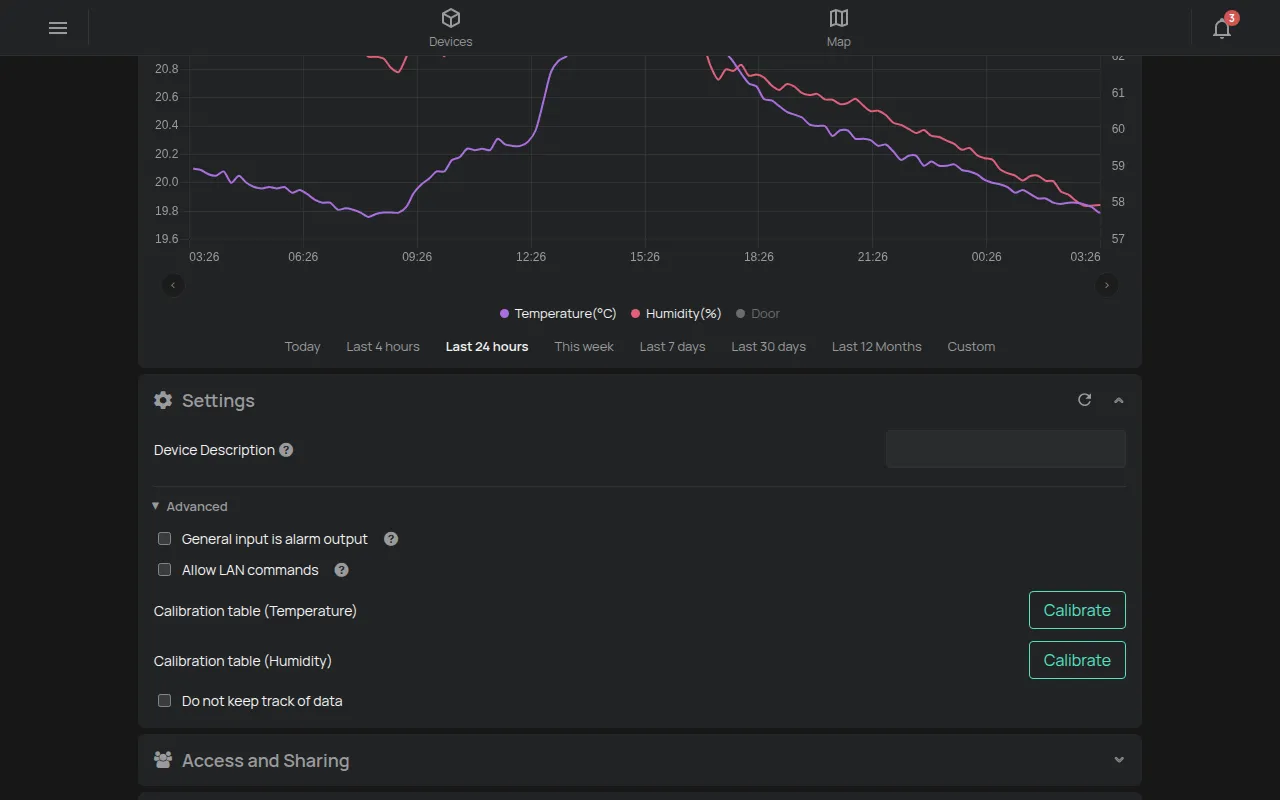
Before you change settings, look at the chart of the reading. A constant difference shows a calibration problem. Sudden jumps show a problem with the installation or the wiring.
If the app sees something unusual, it shows the Warnings icon on the device card. Tap it to see the message. Some messages have a Learn more link.
General steps
Section titled “General steps”- Make sure that you look at the correct reading. A device can have two probes, for example two temperatures.
- Check the installation and the wiring of the probe. See Probe placement and wiring.
- Compare with a reliable instrument, at the same point and at the same time.
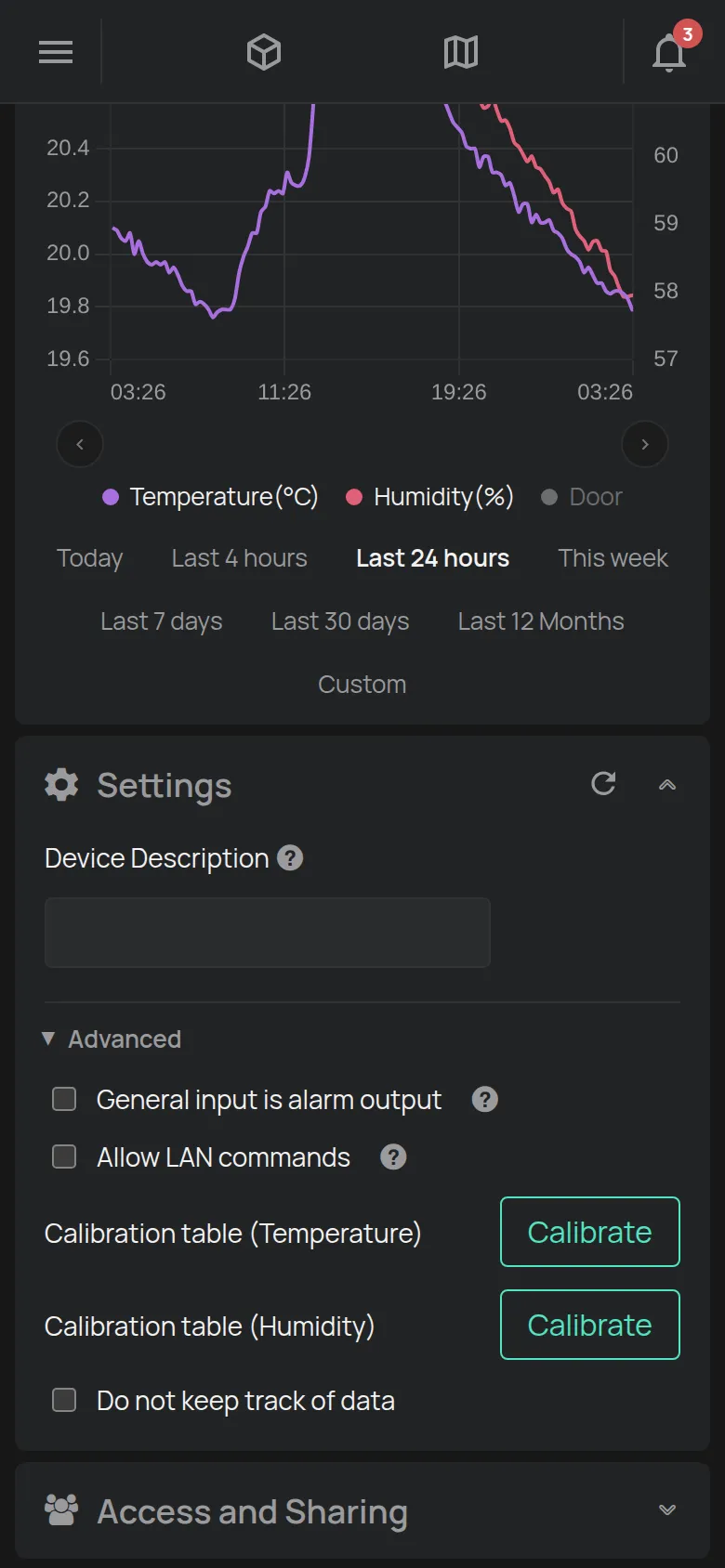
- If there is a constant difference, correct it with the Calibration table in the device settings. See Device settings.
By type of reading
Section titled “By type of reading”Temperature
Section titled “Temperature”| What you see | Possible cause | What to do |
|---|---|---|
| A difference of some degrees from another thermometer | The probe is in the air flow of the fridge, touches a wall or is near a heat source. | Move the probe. If the difference stays, correct it with the Calibration table. |
| Sudden peaks from time to time | The door opens or the fridge does a defrost. | This is normal. Add a FOR time to your rules. See Conditions and timing. |
| The value does not change at all or is not valid | The probe cable is cut or not correctly connected. | Check the cable and the connector. |
Level (ultrasonic and pressure)
Section titled “Level (ultrasonic and pressure)”| What you see | Possible cause | What to do |
|---|---|---|
| The level shows “full” all the time or jumps | The liquid is nearer than 25 cm to the ultrasonic sensor. Or there is foam, steam or an obstacle below the sensor. | Install the sensor at least 25 cm above the maximum level. Make sure that the space below it is clear. |
| The level is always wrong by the same amount | The Dead distance or the tank dimensions are not correct. | Correct them in the settings. See HAM SonicSense. |
| The level from a submersible sensor is wrong | The Liquid density or the Sensor mounting offset is not correct. | Correct them in the settings. See HAM DepthSenseS. |
The ultrasonic sensor measures correctly from 250 mm to 7500 mm.
Water flow and consumption
Section titled “Water flow and consumption”| What you see | Possible cause | What to do |
|---|---|---|
| The meter counts nothing | The pulse wiring is not correct. | Check the wiring. See the page of your device. |
| The consumption is many times more or much less than on the meter | The Pulses per Litre setting does not agree with the flow sensor. | Set the value that the sensor manufacturer gives. See HAM FlowSense. |
Energy
Section titled “Energy”| What you see | Possible cause | What to do |
|---|---|---|
| The power is many times more or much less | The CT Ratio or the Pulses per kWh does not agree with the installation. | Check the settings. See the page of your device in Devices. |
| Message Phase … CT is probably reversed, consider switching polarity | The current transformer of one phase is installed in the opposite direction. | Ask your electrician to turn the current transformer. See HAM DinMeter3P. |
| Message Phase CTs probably do not match | The current transformers are not on the correct phases. | Ask your electrician to check the wiring. |
To see voltage and current, turn on Show Advanced Readings in Account.
Air quality (CO2)
Section titled “Air quality (CO2)”CO2 sensors calibrate themselves in some days. For this, they need fresh outdoor air, at least a few times. A new device can show wrong values in the first days. Let fresh air into the room and wait.
pH, conductivity and chlorine
Section titled “pH, conductivity and chlorine”pH, ORP and conductivity electrodes change with time. They are consumables.
- Clean the electrode.
- Calibrate with reference solutions, with the Calibration table.
- If the values stay wrong, replace the electrode.
See HAM PoolSense, HAM pHSense and HAM ECSense.
Door contacts and general inputs
Section titled “Door contacts and general inputs”| What you see | Possible cause | What to do |
|---|---|---|
| The door shows “open” when it is closed | The state names are the wrong way round. | Change the state names in Edit mode on the device page. |
| The door always shows “open” | The magnet is too far from the contact. | Move the magnet nearer to the contact. |
GPS trackers
Section titled “GPS trackers”| What you see | Possible cause | What to do |
|---|---|---|
| Speed or RPM when the vehicle is off, or zero when it moves | The Ignition filter setting does not agree with the vehicle. | Change the setting. See GPS with OBD-II. |
| The position jumps or stays the same | The tracker has no good GPS signal. This occurs indoors and between tall buildings. | Check the installation of the tracker. See Install a GPS tracker in a vehicle. |
| The temperature in the truck is different from another thermometer | The probe is not at the correct point, or it needs a correction. | Correct it with Temperature offset (0). See GPS with temperature. |
Battery devices
Section titled “Battery devices”When the battery is low, the app shows Device battery is low in Warnings. A device with a low battery can send fewer readings or go offline. Replace the battery.
When to contact support
Section titled “When to contact support”- The device is connected, the installation is correct, and the values are not possible. For example, a temperature much higher than the room.
- A reading changed suddenly for no reason and did not come back.
Contact support and give the serial number, the name of the reading and the time.
For the meaning of each reading, see the Readings dictionary.