

HAM BLE Tag
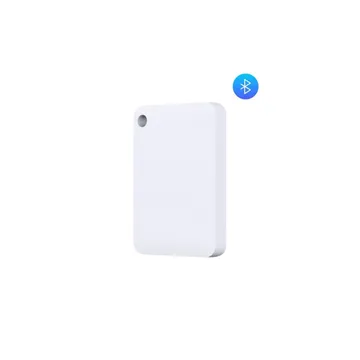
The HAM BLE Tag is a small Bluetooth tag (iBeacon or Eddystone). The HAM devices that hear it report where it is and when they heard it. Use it for presence of people, for room keys and for tracking items.
The serial number starts with b8:.
How it connects
Section titled “How it connects”The tag has no internet connection of its own. It needs a HAM WiFi device with the BLE hub feature, or a GPS tracker, near it. That device hears the tag and sends its data to the app. The Heard by reading shows which device heard the tag last.
What it measures
Section titled “What it measures”| Reading | Unit | Note |
|---|---|---|
| Heard by | device | The device that heard the tag last. |
| Latitude, Longitude | degrees | From the device that heard the tag. |
| Speed | km/h | From the GPS tracker that heard the tag. |
| Ignition | on / off | From the GPS tracker that heard the tag. |
| Last move at | time | The last time the position changed. |
Typical uses
Section titled “Typical uses”- Room key for the HAM Bluetooth Card Switch.
- Presence of people in a space.
- Tracking of equipment or a vehicle that moves between sites.
The Tracking report shows when the tag was heard, the first and last time it was heard, and the gaps. See reports.
Installation
Section titled “Installation”The tag needs no WiFi setup. Claim it to your account with the Device key. See BLE devices.
Settings
Section titled “Settings”- Show map: shows the tag position on a map.
- Include in summary views: the tag shows in the summary views.
- Device Description: text that shows as a subheading in reports.
Troubleshooting
Section titled “Troubleshooting”- The tag is offline: the app shows the tag offline when no device hears it for 30 minutes. Make sure that the device that hears it is online. Move the tag nearer to it.
- For general problems, see device offline.
Specifications
Section titled “Specifications”| Item | Value |
|---|---|
| Connectivity | Bluetooth LE (iBeacon or Eddystone) |