

What the LED colours mean
The LED of your device tells you if the device waits for the WiFi details or if it is connected to the internet. The meaning is different between models.
By model
Section titled “By model”The models are grouped as in the Select your device model list of the app.
| Model | Setup mode | Connected to the internet |
|---|---|---|
| HAM ThermoSense, HAM HumiSense, HAM Relay, HAM Sense | The green LED blinks. | The green LED stays on. |
| HAM DinSwitch, HAM DinSwitchM and other DIN rail devices (Din devices) | The LED blinks. | The green LED stays on. |
| HAM DinMeter3P | The green LED blinks. | The red LED (WiFi) and the green LED (cloud) stay on. If the red LED is on and the green LED is off, the router or a firewall blocks the connection. |
| HAM RemoteAC | The green LED blinks. | The blue LED (disconnected) goes off and the green LED stays on. |
| HAM Thermostat, HAM IAQSense | The WiFi icon on the screen blinks. | The connection icon stays steady. |
| HAM Plug, HAM DualSwitch | The LED blinks. | The blue LED goes off. |
For models that are not in the list, see the Installation section on the device page, in the device catalogue.
After the WiFi send
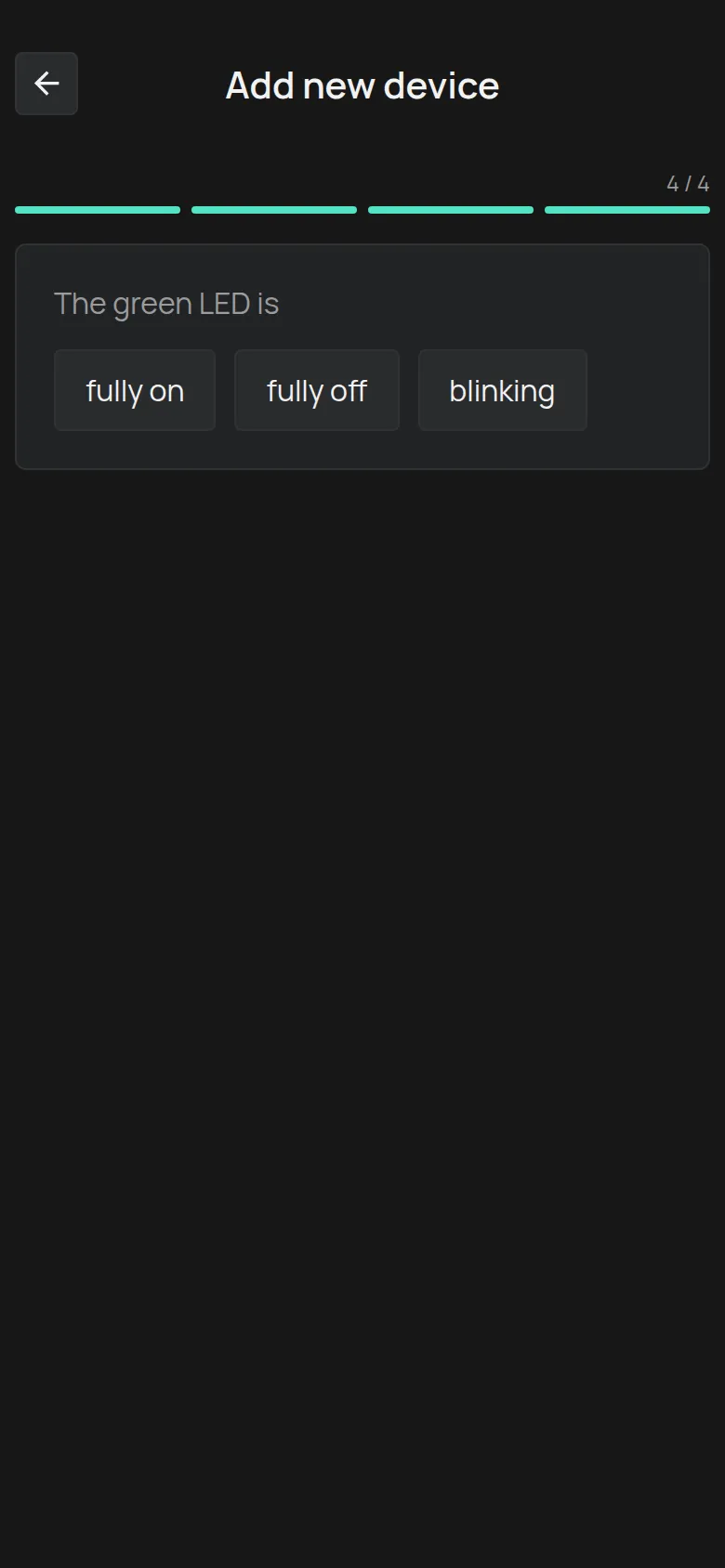
Section titled “After the WiFi send”At the end of the setup wizard, the app asks what The green LED is doing. Your answer shows the cause of the problem.
| Answer | What it means | What to do |
|---|---|---|
| fully on | The device is connected to the internet. | Tap Claim device. |
| fully off | The device received the WiFi details, but it cannot connect to the internet. | Check the WiFi name and password and try again. See The WiFi connection fails. |
| blinking | The device did not receive the WiFi details. It is still in setup mode. | Tap Send again. It usually works the second time. If not, see Connect through the device hotspot. |
The LED is correct, but the app shows offline
Section titled “The LED is correct, but the app shows offline”The device reaches the WiFi, but it does not reach the HAM servers, or it is not claimed on your account.
- Check that you claimed the device. See Claim a device with its Device Key.
- If the network has a firewall, give your network administrator the page Network requirements (for IT).
- See The device shows as offline.
GPS trackers
Section titled “GPS trackers”GPS trackers have two LEDs: Navigate for GPS and Status for operation. When both blink about once per second, the installation is correct. See Install a GPS tracker in a vehicle.