

Webhooks from rules
A rule can call a URL when it triggers. This way your own system learns about an event immediately, for example a high temperature or a device disconnection.
Before you start
Section titled “Before you start”- HAM Systems turns on webhooks per account. If the app shows Webhooks are not enabled for your account, contact support.
- You need an
https://address that acceptsPOSTrequests from the internet.
Add a webhook to a rule
Section titled “Add a webhook to a rule”- Open the Menu. In the Tools group, tap Cloud rules.
- Open a rule or make a new rule. See create a rule.
- In the actions, tap Add action.
- In the list, select Webhook.
- In the URL field, type the address of your system.
- If you also want a call when the rule resets, tap Add reset action and select Webhook again.
- Tap Save.
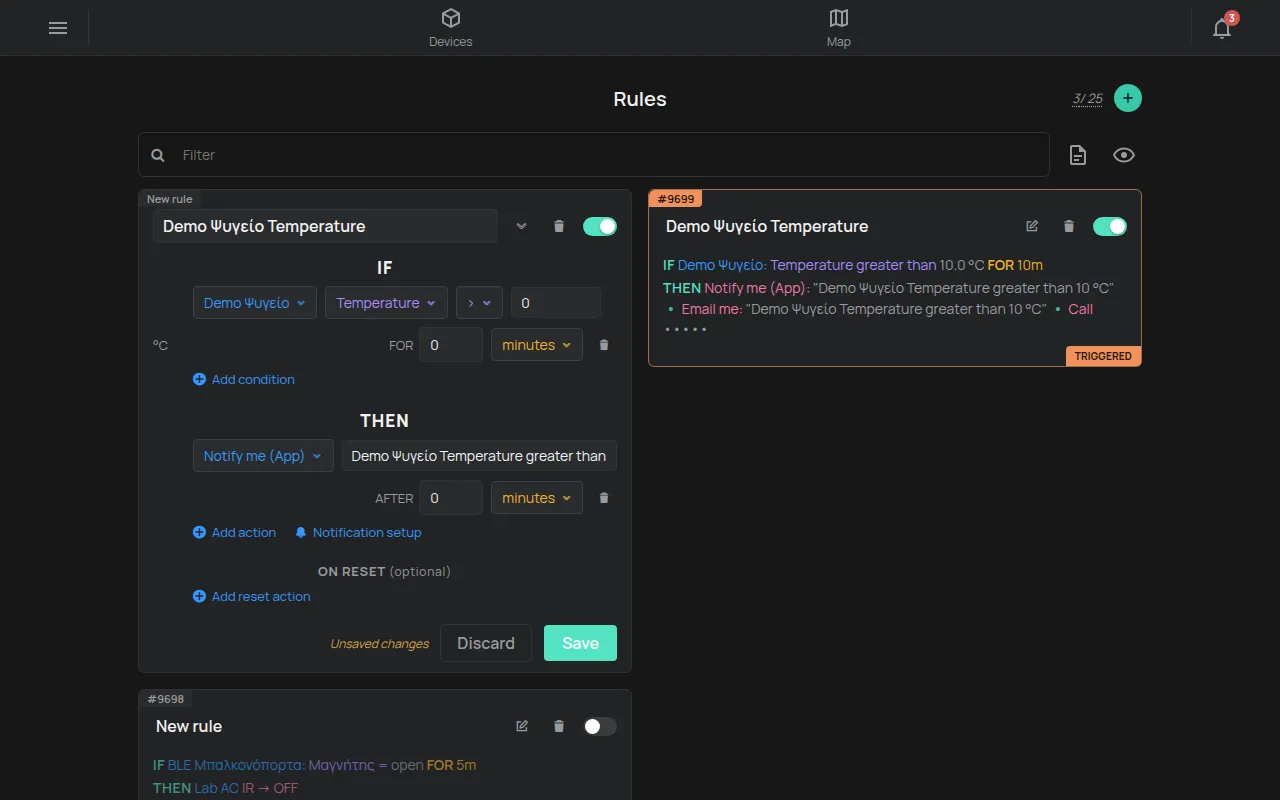
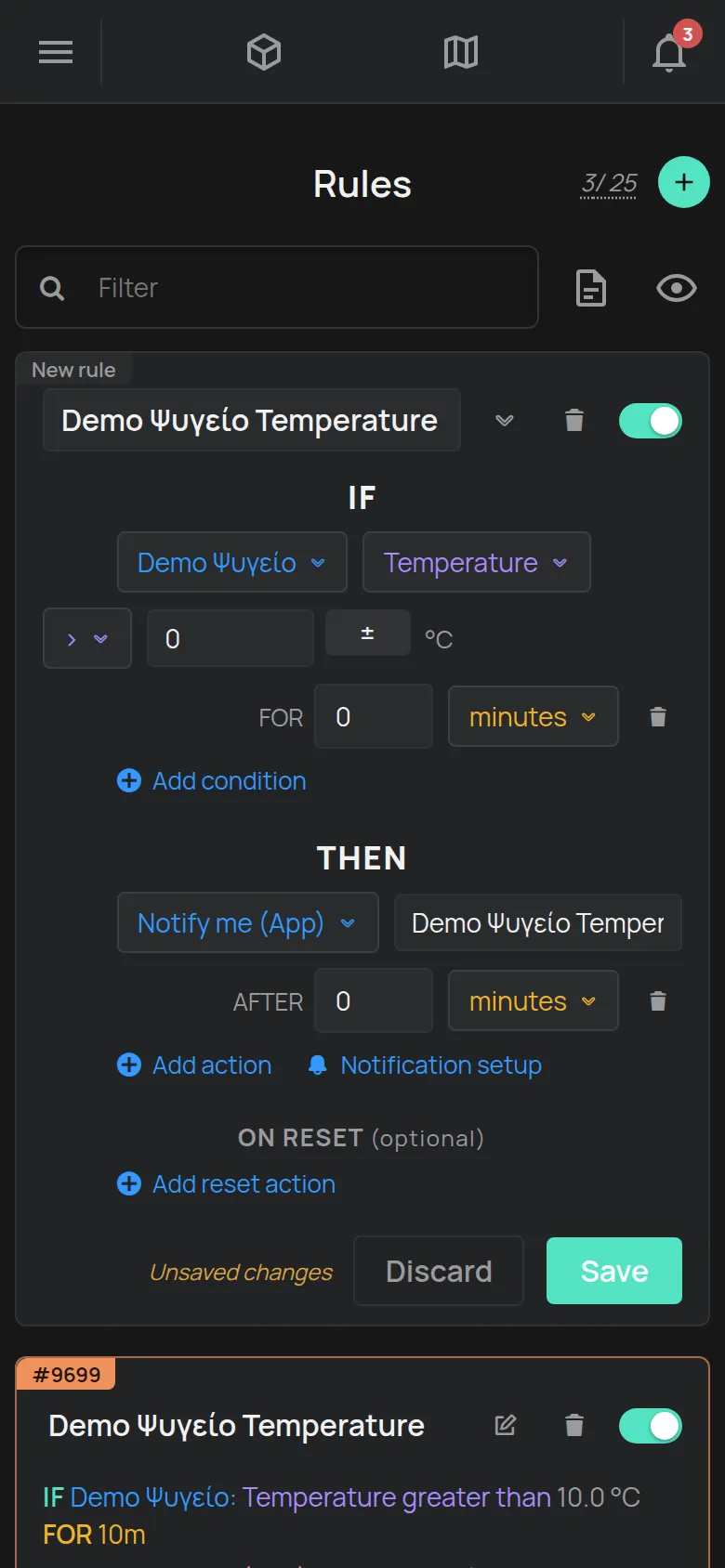
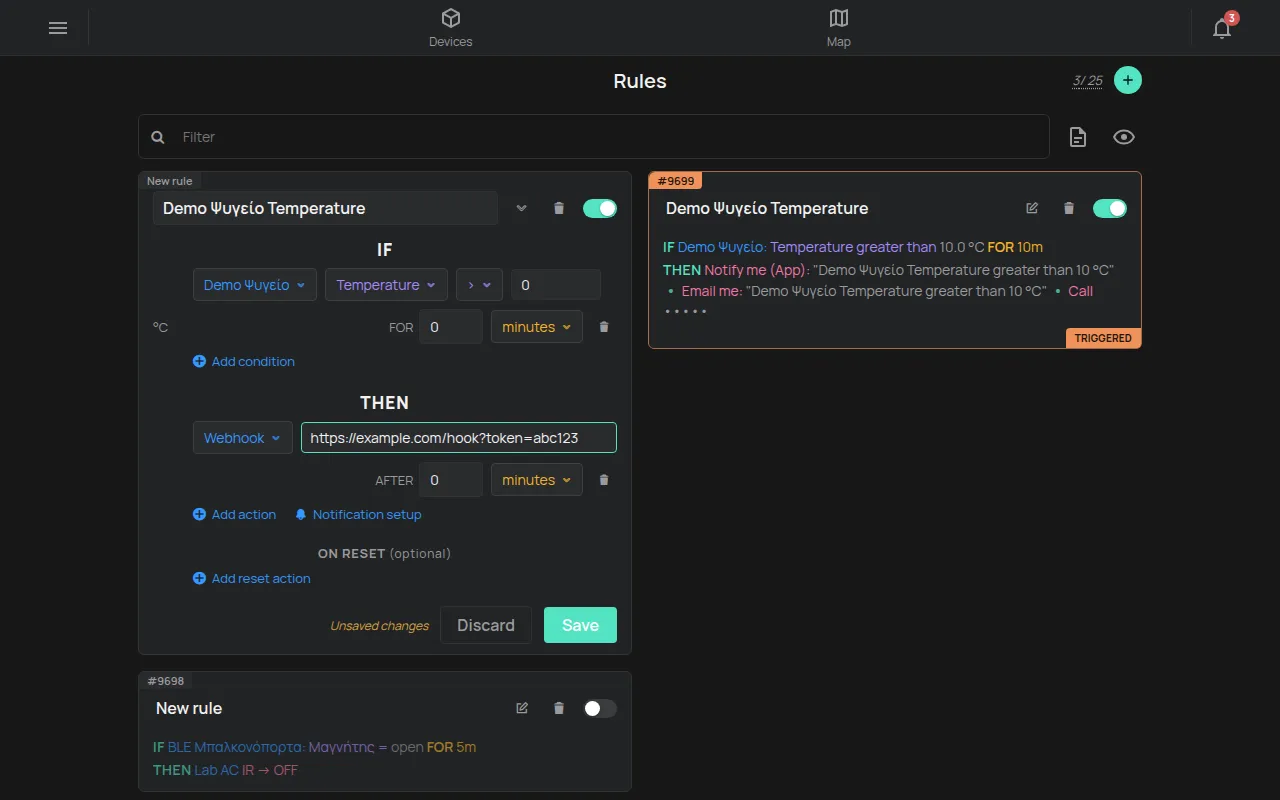
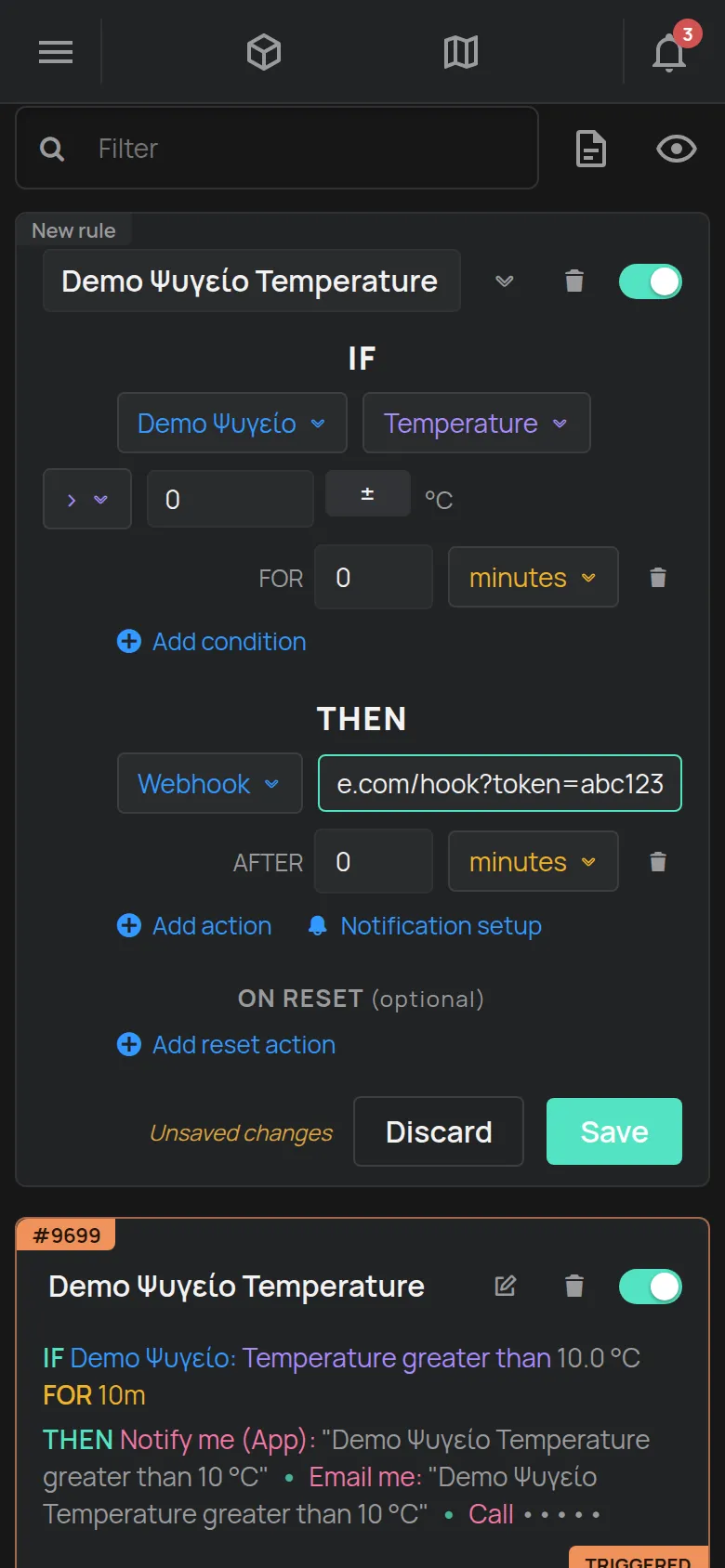
If the address is not correct, the app shows URL is not valid.
The request
Section titled “The request”The platform sends a POST with a JSON body (Content-Type: application/json):
{ "event": "triggered", "rule": { "id": 4321, "name": "Fridge 1 temperature", "serialno": "e11:123", "this_data": [ { "...": "the rule conditions" } ] }, "device_data": { "e11:123": { "R": { "T": 912, "GI": 1, "GIC": 0, "GI2": 1, "GI2C": 0 }, "O": [], "S": { "...": "the device settings" } } }, "messages": []}| Field | Content |
|---|---|
event |
triggered when the rule triggers. resolved when an On reset action runs. |
rule.id, rule.name |
The number and the name of the rule |
rule.serialno |
The device of the rule |
rule.this_data |
The rule conditions |
device_data |
The current state of each device of the rule, keyed by serial number. The same format as the WebSocket updates. |
messages |
Errors, for example Failed to get state of e11:123 for rule #4321 when the state of a device is not available |
The values in R are raw. In the example, T: 912 means 9.12 °C. See the definitions in the REST API.
The platform removes the WiFi details of the device (network name, password and enterprise details) from device_data.
Secure the webhook
Section titled “Secure the webhook”The request has no signature (HMAC). To check that the request comes from your rule:
- Make a long random secret, for example with
openssl rand -hex 32. - Put the secret in the query string of the address:
https://example.com/ham-hook?token=YOUR_SECRET. - In your system, reject each request that does not have the correct
token.
Rules and limits
Section titled “Rules and limits”- The address must start with
https://. - The platform does not call local and private addresses:
localhost,127.0.0.0/8,10.0.0.0/8,172.16.0.0/12,192.168.0.0/16,169.254.0.0/16,100.64.0.0/10,0.0.0.0/8and the related IPv6 addresses (::1,fe80:,fc00::/7). - Up to 5 calls per 60 seconds for each webhook action of a rule.
- Up to 30 webhook calls per 60 seconds for each account.
- The platform skips the calls above the limits. It does not send them later.
- The platform does not check the HTTP status of your response and does not send the request again.
- An action can have a delay (AFTER). A rule has up to 12 actions in total.
For a first test, use a public service that shows the requests it receives. Make a rule with an easy condition and look at the request body.