

How rules work
A rule tells the HAM cloud: IF a situation is true, THEN do an action. For example: if the fridge temperature is above 8 °C for 15 minutes, send me an alert.
The easiest way to start is the Recommended setups on the device page, the button with the lightbulb. The app makes the rule for you. See Your first alert.
Where a rule runs
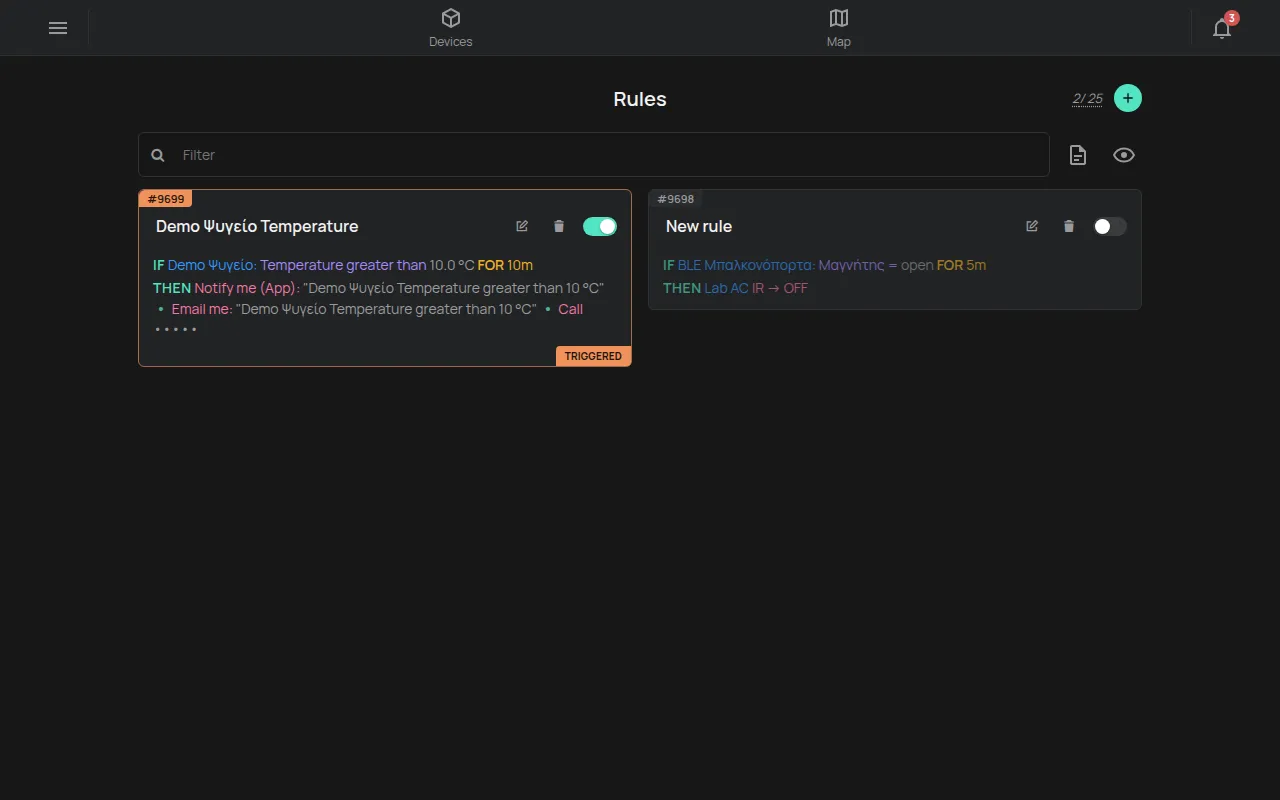
Section titled “Where a rule runs”The rules on the Rules page run in the HAM cloud, 24 hours a day. You do not need to keep the app or a computer open. The cloud checks a rule each time a device in the rule sends a new reading.
On a device page, the Notifications and Automation section has up to four parts. Each device shows only the parts it supports:
| Part | What it does |
|---|---|
| Schedule | Turns outputs on and off at fixed times. See Schedules and timers. |
| Cloud rules | The rules of this page, filtered for this device. |
| Local rules | Rules that are stored on the device itself. |
| Accumulator limits | Limits for counters that add up, such as energy or water. |
This section of the guide explains Cloud rules.
The parts of a rule
Section titled “The parts of a rule”- IF: one or more conditions. All of them must be true at the same time. See Conditions and timing.
- FOR and AFTER: how long a condition must stay true, or how long an action waits.
- THEN: one or more actions, for example an app alert, an e-mail, an SMS or a command to an output. See What a rule does: alert or command.
- ON RESET (optional): actions that run when the situation ends.
Trigger and reset
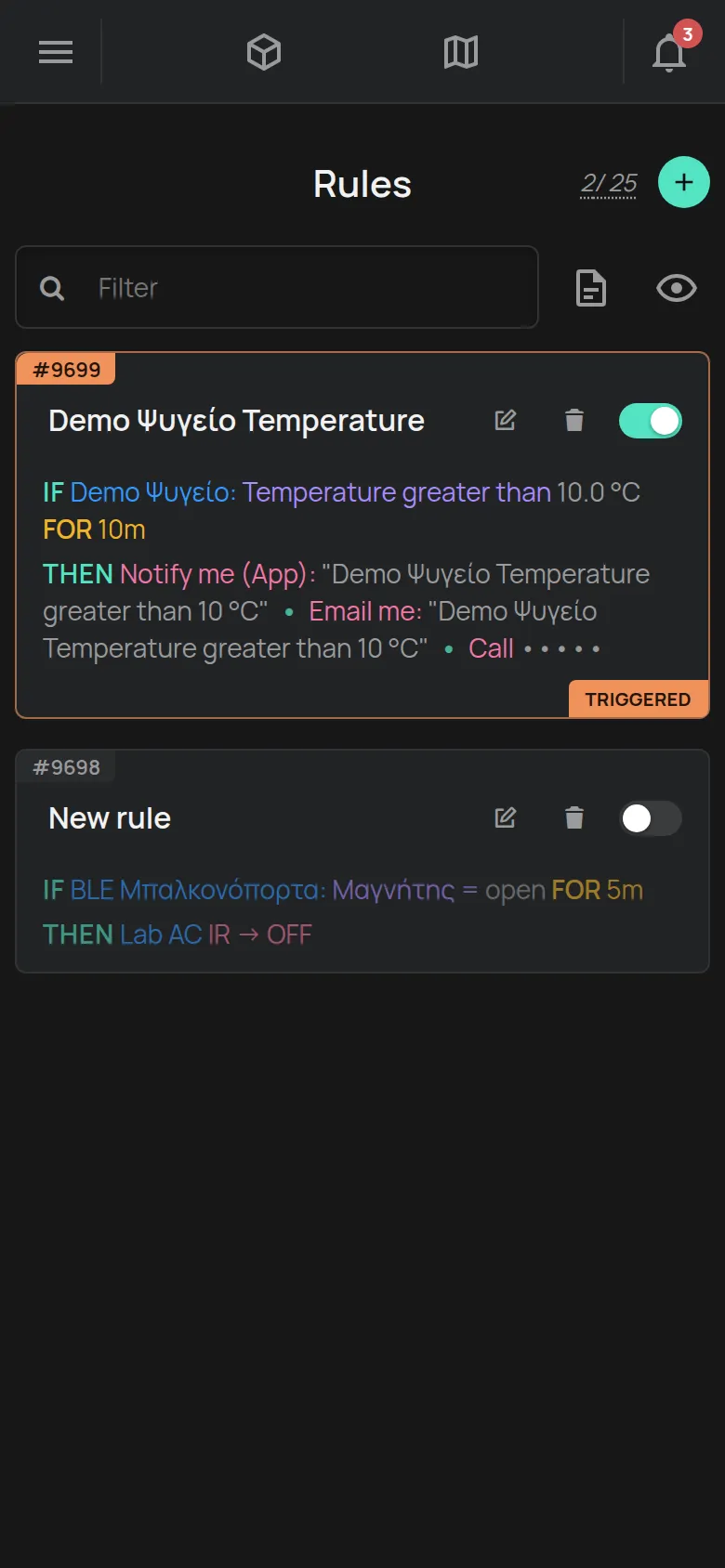
Section titled “Trigger and reset”A rule triggers once, when all its conditions become true. Then the THEN actions run. The rule card shows the tag Triggered.
While the situation continues, the rule does not send the same alert again. When the conditions stop being true, the rule resets. Then the ON RESET actions run, if you set them. After the reset, the rule can trigger again.
Limits
Section titled “Limits”- Up to 12 conditions in each rule.
- Up to 12 actions in each rule. Reset actions count in the same limit.
- The number of rules in your account has a limit. The counter at the top right of the Rules page shows how many you have and how many you can have. See What is included for free.
- The cloud limits how many alerts one rule sends in a short time. When a rule reaches the limit, the message goes out once with
(Rate Limit Reached). The next messages are not sent for a short time.
Enabled and disabled rules
Section titled “Enabled and disabled rules”Each rule card has an Enabled / Disabled switch. A disabled rule stays saved, but the cloud does not check it. See Create a rule for how to disable and test a rule.