

Contact support
How to contact us
Section titled “How to contact us”| Channel | Details |
|---|---|
| From the app | Side menu > Support |
| Phone | +30 231 231 5716 |
| Hours | Monday to Friday, 9:00 to 17:00 (Greek time). Closed on public holidays. |
| contact@hamsystems.eu | |
| Online shop | shop.hamsystems.eu |
Support answers in Greek and in English.
Outside these hours, an automated assistant answers the chat.
Support from the app
Section titled “Support from the app”- Open the side menu.
- Tap Support.
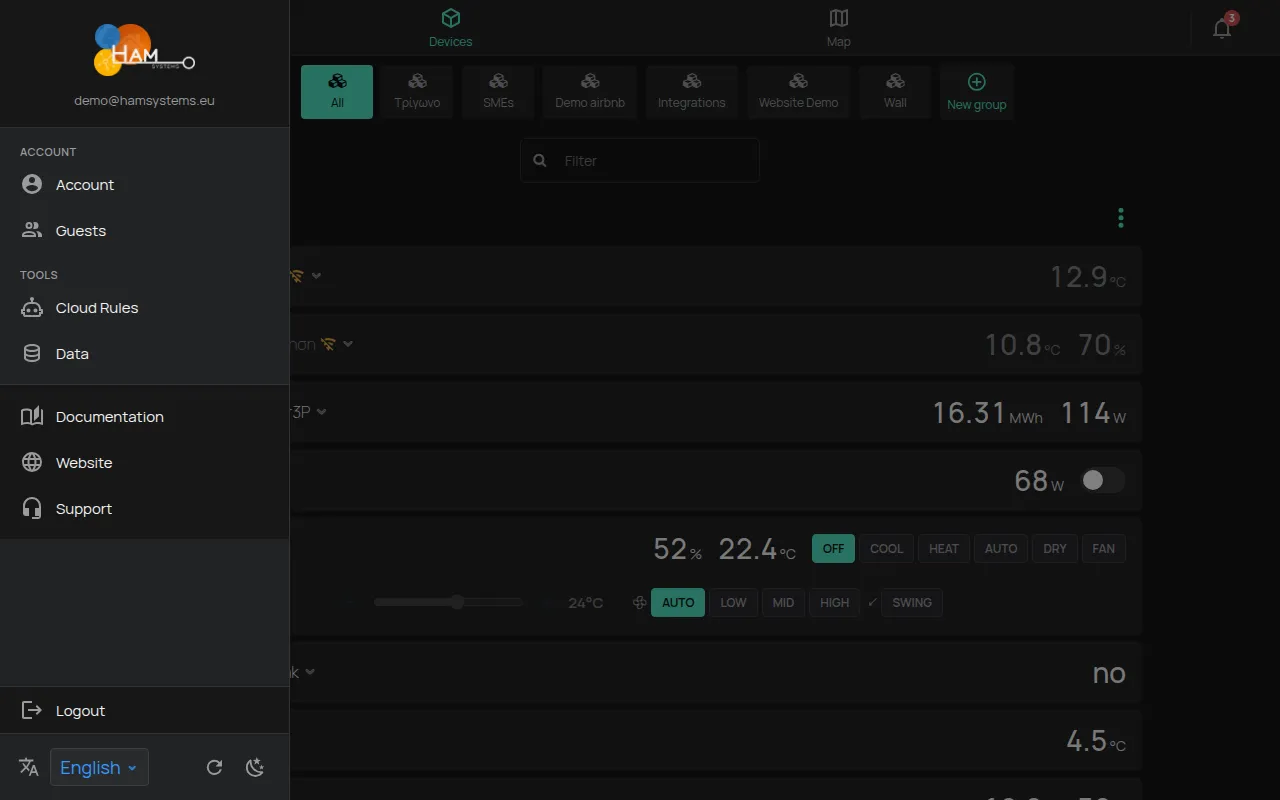
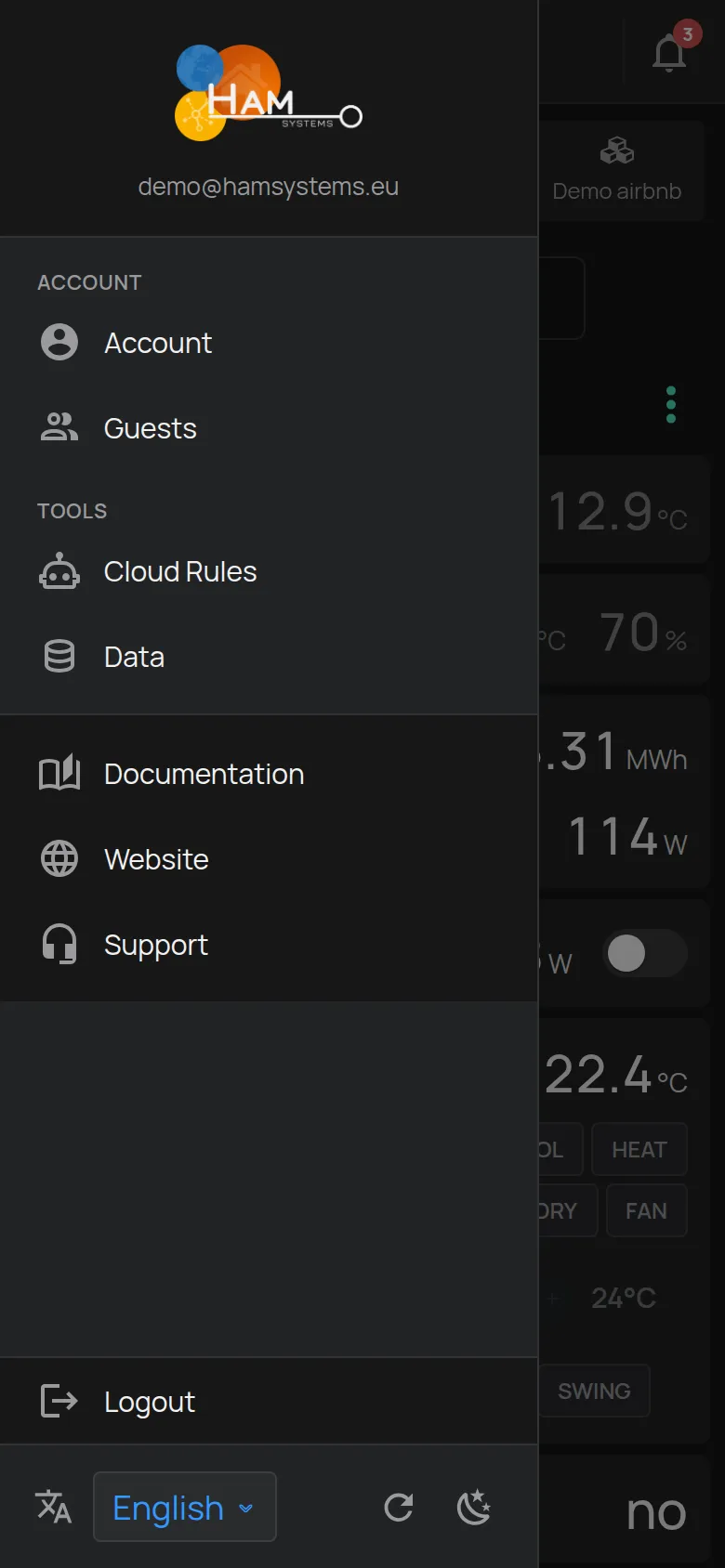
The app opens the contact page with a chat. It also sends to support a file with technical data from the app, so that support can find the problem faster.
Which information to give
Section titled “Which information to give”For a fast solution, give:
- The serial number of the device, for example
e12:57. You find it on the label, or in the S/N field of the Firmware section on the device page. - The e-mail of your account.
- The time period of the problem, with the date and the time.
- What you did before the problem, and what you see now. A screenshot helps.
- For WiFi connection problems: the color and the behavior of the LED. See What the LED colours mean.
Support access to your account
Section titled “Support access to your account”Support can see your account only if you allow it.
- From the side menu, open Account.
- Turn on Allow support access.
- When support is complete, turn it off again, if you want.
Returns and warranty
Section titled “Returns and warranty”For a defective device, contact support first. Do not send the device before you agree with support. See Returns and warranty.
Manuals and declarations
Section titled “Manuals and declarations”The device manuals and the CE declarations are in Manuals and CE declarations.
Company details
Section titled “Company details”Home Automation and More Private Company (HAM Systems), Karyotaki 7, Thessaloniki, Greece.